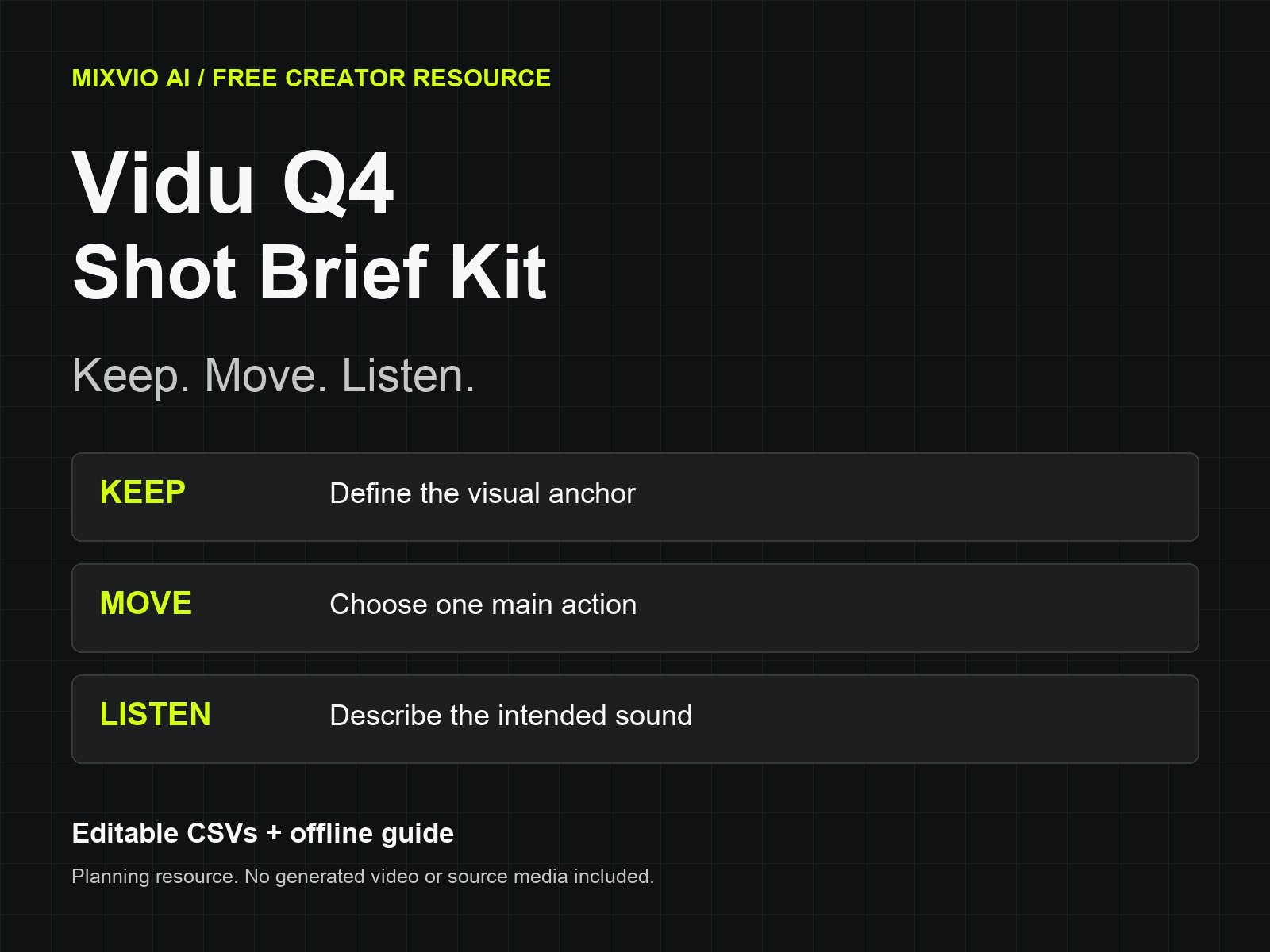
Vidu Q4 Shot Brief Kit — Keep, Move, Listen
A downloadable resource
Plan the shot before you generate it. This free worksheet helps you separate the subject that should stay recognizable, the motion you want to direct, and the sound you need to hear.
For indie creators preparing a short scene-setting clip, the pack includes:
• start-here.html — an offline-readable, print-friendly guide;
• blank-shot-brief.csv — one editable row per shot;
• illustrative-lamp-brief.csv — a fictional five-second desk-lamp example.
No software installation, account or payment is required to use these three files. The kit contains no generated footage, source photos, music, API keys or model integration. It is a planning resource rather than a game or a media asset pack.
Use three decisions to write the brief:
KEEP: list the subject details that should remain recognizable. In the fictional lamp example, these are the lamp shape and notebook placement.
MOVE: choose one visible action, such as a slow camera push. The five-second example is a planned duration, not a generation-speed claim.
LISTEN: describe the intended audio, such as quiet room ambience without speech or music. Requested audio still needs to be reviewed in the actual export.
Open the blank CSV in a spreadsheet and add one row per shot. Write the reference order next to the prompt. If you upload separate lamp and desk photos, @Image1 and @Image2 must refer to that same order. Changing the order requires changing the numbered tags.
On the current MixVio route, Image to Video starts from exactly one owned photo. Reference to Video accepts 1–12 photos and up to three optional MP3 references. Include another reference only when you can explain the information it contributes.
After generation, enter the export filename and review the full picture, motion and soundtrack. Leave each review as “not reviewed” until an export actually exists. A replacement export needs a fresh review. Revise one instruction or source reference at a time. Exact logos, typography and end cards are best placed in a separate editing step where you can inspect them directly.
The offline guide explains how to use the worksheet with Vidu Q4 on MixVio. Current route limits are dated October 10, 2026. Generation on MixVio is a separate service with account and credit requirements.
Explore Vidu Q4 when you are ready to prepare a photo-based shot.
Disclosure: prepared with AI assistance by the MixVio team. The example is a proposed brief; no video was generated or quality-tested for this kit. Use only source material you have permission to process.
Download
Install instructions
Extract the ZIP. Open start-here.html in a web browser to read or print the guide. Open either CSV in a spreadsheet editor. Use the blank file for your own shot; the lamp file is a fictional planning example. No installation, model connection, account or payment is needed to use the included files.
Leave a comment
Log in with itch.io to leave a comment.